Forensic Access to iPhone/iPad/iPod Devices running Apple iOS
Perform the complete forensic acquisition of user data stored in iPhone/iPad/iPod devices. Elcomsoft iOS Forensic Toolkit allows imaging devices’ file systems, extracting device secrets (passcodes, passwords, and encryption keys) and accessing locked devices via lockdown records.
The following extraction methods are supported:
- Advanced logical acquisition (backup, media files, crash logs, shared files) (all devices, all versions of iOS)
- Direct agent-based extraction (all 64-bit devices, select iOS versions)
- Forensically sound bootloader-based checkm8 extraction (select devices)
- Passcode unlock and true physical acquisition (select 32-bit devices)
See Compatible Devices and Platforms for details.
Multi-Platform Availability
iOS Forensic Toolkit is available for macOS, Windows, and Linux. Here's how they compare feature-wise:
| Features | macOS | Windows | Linux* |
|---|---|---|---|
| Get extended device information | ✓ | ✓ | ✓ |
| Logical acquisition (iTunes-style backup) | ✓ | ✓ | ✓ |
| Extracting media files & metadata | ✓ | ✓ | ✓ |
| Extracting sysdiagnose logs | ✓ | ✓ | ✓ |
| Agent-based extraction with developer accounts | ✓ | ✓ | ✓ |
| Agent-based extraction with regular accounts | ✓ | ✕ | ✕ |
| Bootloader-based extraction | ✓ | ✕ | ✓ |
| Additional service features | ✓ | ✓ | ✓ |
The Linux edition officially supports Debian, Ubuntu, Kali Linux, and Mint.
Full File System Extraction and Keychain Decryption
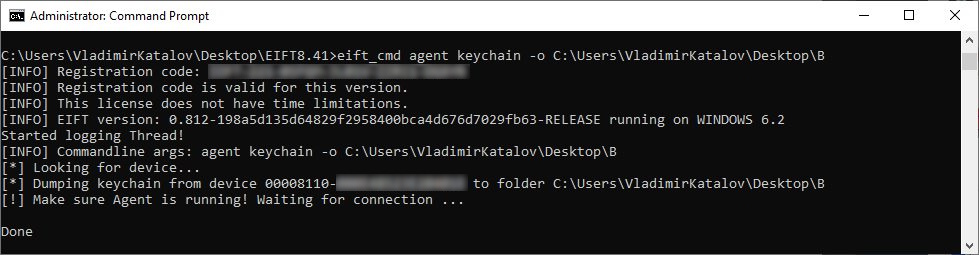
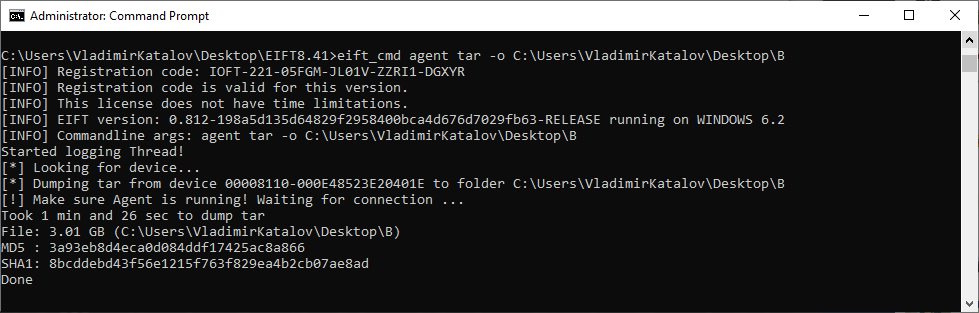
A low-level extraction method based on direct access to the file system is available for a wide range of iOS devices and OS versions. Using an in-house developed extraction tool, this acquisition method installs an extraction agent onto the device being acquired. The agent communicates with the expert’s computer, delivering robust performance and extremely high extraction speed topping 2.5 GB of data per minute.
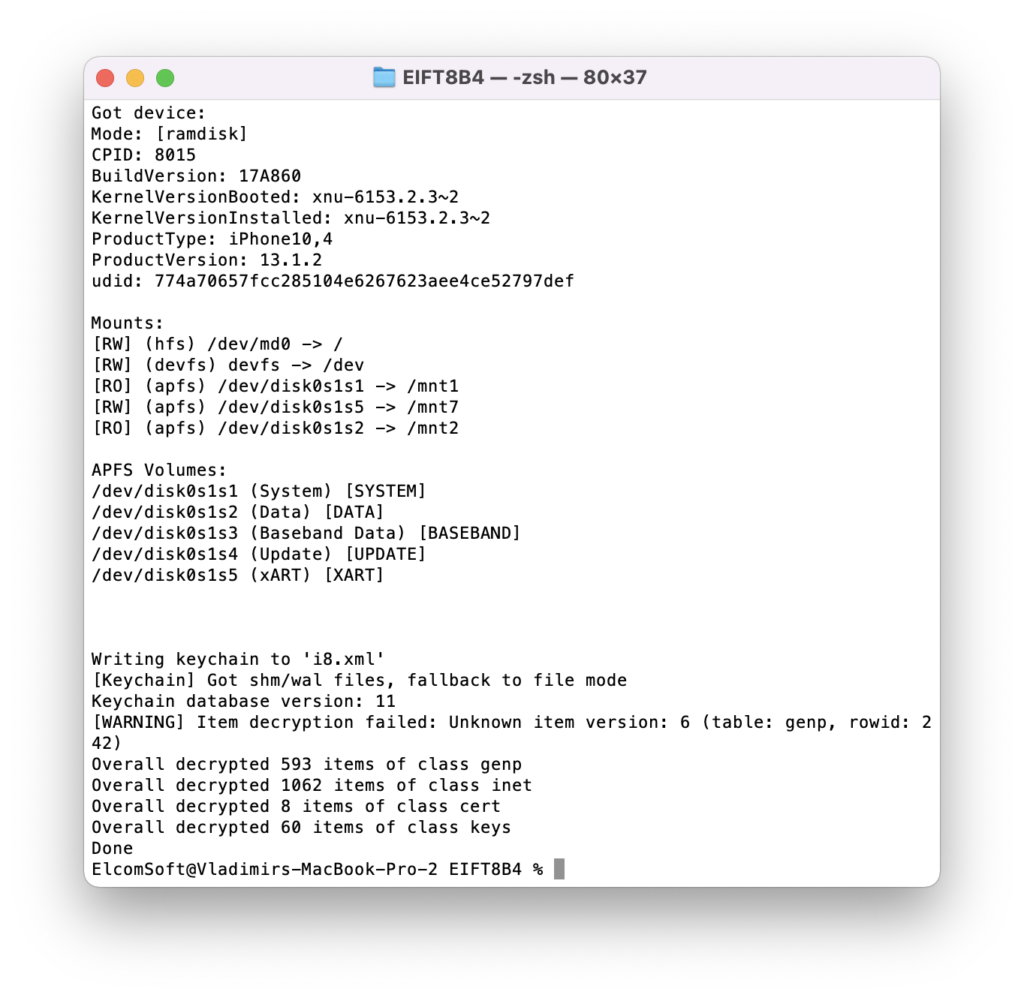
Using the extraction agents is inherently safe for the device itself as it neither modifies the system partition nor remounts the file system. The low-level extraction technique employed by the extraction agent yields as much data as that obtained through physical extraction methods like checkm8. Both the file system image and all keychain records can be extracted and decrypted depending on the OS version.
One can either extract the complete file system or use the express extraction option, only acquiring files from the user partition. By skipping files stored in the device's system partition, the express extraction option helps reduce the time required to do the job and cut storage space by several gigabytes of static content.
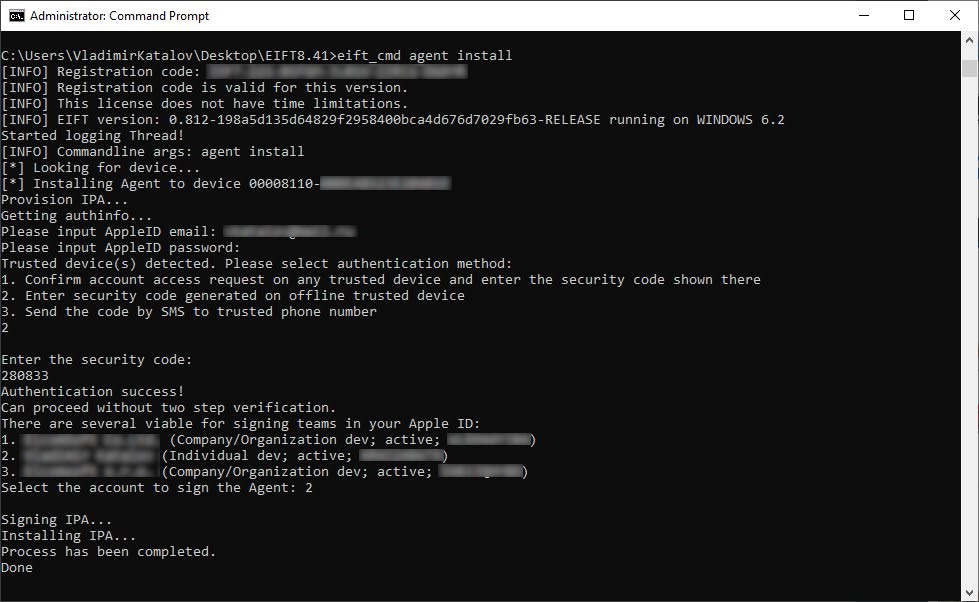
Windows and Linux users will need an Apple ID registered in the Apple Developer Program to install and sign the extraction agent. Mac users may use a regular Apple ID for signing and sideloading the extraction agent.
Forensically sound extraction with bootloader exploit
To preserve digital evidence, the chain of custody begins from the first point of data collection to ensure that digital evidence collected during the investigation remains court admissible. The new, bootloader-based extraction method delivers repeatable results across extraction sessions. When using iOS Forensic Toolkit on a supported device, the checksum of the first extracted image will match checksums of subsequent extractions provided that the device is powered off between extractions and never boots the installed version of iOS in the meantime.
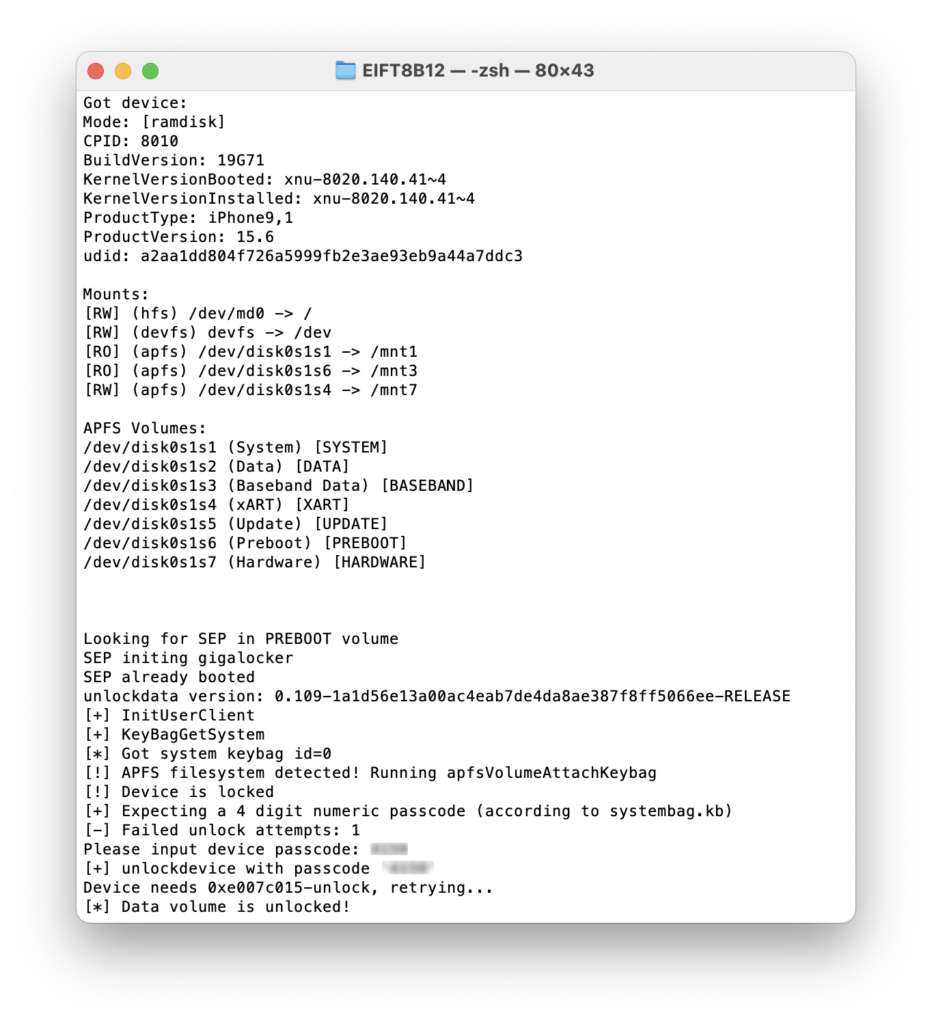
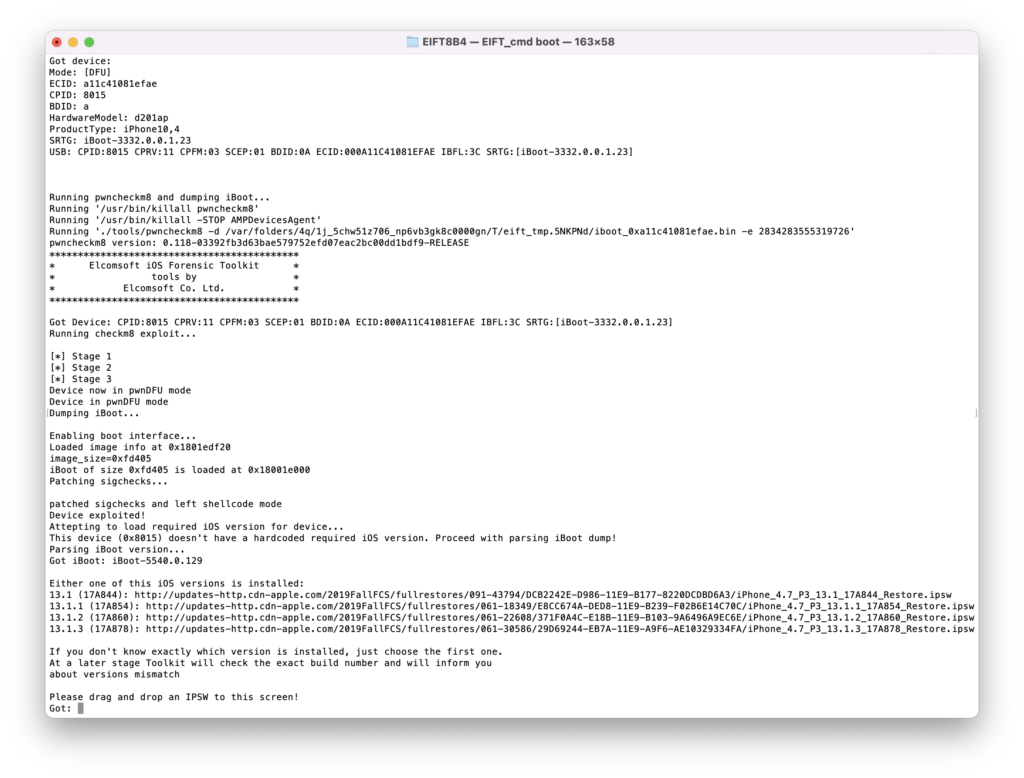
The new extraction method is the cleanest yet. Our implementation of bootloader-based exploit is built from the ground up. All the work is performed completely in the RAM, and the operating system installed on the device is not booted during the extraction process. Our unique direct extraction process offers the following benefits:
- Repeatable results. Checksums of subsequent extractions will match the first one if the device is kept powered off and never boots iOS between sessions.
- Supports iPhone X, iPhone 8/7/Plus, 6s/6/Plus, SE (original), iPhone 5s
- Supports a wide range of Apple models in total including 25 iPhones, 40 iPads, 3 iPods, 4 Apple TV and 4 Apple Watch models
- Wide iOS compatibility. iOS 3 through iOS 16 are supported (no support for iOS 16 on A11 Bionic iPhones).
- Unaltered system and data partitions.
- Zero data modification policy: 100% of the patching occurs in the RAM.
- The installation process is fully guided and extremely robust.
- Locked devices supported in BFU mode, while USB restricted mode can be completely bypassed.
Compatibility: bootloader-level extractions are available in the Mac and Linux editions.
Unlocking and Imaging Legacy Devices: iPhone 3G/3GS, 4, 4s, 5, and 5c
Passcode unlock and imaging support are available for legacy iPhone models.
The Toolkit can be used to unlock encrypted iPhone 3G/3GS, 4, 4s (1), 5 and 5c devices protected with an unknown screen lock passcode by attempting to recover the original 4-digit or 6-digit PIN. This DFU attack takes only 12 minutes to unlock an iPhone 5 protected with a 4-digit PIN, while 6-digit PINs will take up to 21 hours. A smart attack will be used automatically to attempt cutting this time as much as possible. In less than 4 minutes, the tool will try several thousand most commonly used passcodes such as 000000, 123456 or 121212, followed by 6-digit PINs based on the dates of birth. With 74,000 of those, the smart attack takes approximately 1.5 hours. If still unsuccessful, the full brute force of the rest of the passcodes is initiated.
Full physical acquisition is available for legacy iOS devices including the iPhone iPhone 3G/3GS, 4, 4s (1), 5 and 5c. For all supported models, the Toolkit can extract the bit-precise image of the user partition and decrypt the keychain. If the device is running iOS 4 through 7, the imaging can be performed even without breaking the screen lock passcode, while devices running iOS 8 through 10 require breaking the passcode first. For all supported models, the Toolkit can extract and decrypt the user partition and the keychain.
(1) The passcode unlock and forensically sound, checkm8-based extraction are available for the iPhone 4s, iPod Touch 5, iPad 2 and 3 devices via a custom flashed Raspberry Pi Pico board, which is used to apply the exploit. The firmware image is provided with iOS Forensic Toolkit; the Pico board is not supplied.
Notes: Mac and Linux editions only; iPhone 4s support requires a Raspberry Pi Pico board (not supplied) with custom firmware (supplied). For iOS 4 through 7, passcode recovery is not required for device imaging. For iOS 8 and 9, the passcode must be recovered before imaging (otherwise, limited BFU extraction available). Unlock speed estimates provided for the iPhone 5; attacks run slower on older devices.
Extended Logical Acquisition
iOS Forensic Toolkit supports logical acquisition, a simple and safe acquisition method. Logical acquisition produces a standard iTunes-style backup of information stored in the device, pulls media and shared files and extracts system crash logs. While logical acquisition returns less information than low-level extraction, experts are recommended to create a logical backup of the device before attempting more invasive acquisition techniques.
We always recommend using logical acquisition in combination with low-level extraction for safely extracting all possible types of evidence.
Quickly extract media files such as Camera Roll, books, voice recordings, and iTunes media library. As opposed to creating a local backup, which could be a potentially lengthy operation, media extraction works quickly on all supported devices. Extraction from locked devices is possible by using a pairing record (lockdown file).
In addition to media files, iOS Forensic Toolkit can extract crash/diagnostics logs and stored files of multiple apps. Extract Adobe Reader and Microsoft Office locally stored documents, MiniKeePass password database, and a lot more. The extraction requires an unlocked device or a non-expired lockdown record.
Logical acquisition is available for all devices regardless or hardware generation and version of iOS. Experts will need to unlock the device with passcode or Touch ID, or use a non-expired lockdown file extracted from the user’s computer.
If the device is configured to produce password-protected backups, experts must use Elcomsoft Phone Breaker to recover the password and remove encryption. If no backup password is set, the tool will automatically configure the system with a temporary password (“123”) in order to be able to decrypt keychain items (password will be reset after the acquisition).
Supported Devices and Acquisition Methods
iOS Forensic Toolkit implements low-level extraction support for devices ranging from the iPhone 3G through iPhone 14, 14 Pro and iPhone 14 Pro Max range.
The following compatibility matrix applies:
- Passcode unlock: Brute-forces 4-digit and 6-digit screen lock passcodes via DFU exploit. All iOS versions, iPhone 3G/3GS, 4, 4s, 5 and 5c devices. [1][2]
- Legacy devices: Bit-precise imaging and decryption of iPhone 3G/3GS, 4, 4s, 5 and 5c devices. [1][2]
- Agent: Full file system extraction and keychain decryption for many devices running iOS 12 through 16.5. The corresponding iPad models are also covered. Apple Developer registration required (Windows)/optional (macOS).
- Via Bootrom exploit (checkm8): Forensically sound file system & keychain acquisition for 76 Apple devices for all supported iOS versions. [1]
- Other Apple devices: Advanced logical acquisition, shared files and media extraction for devices running versions of iOS not supported by the extraction agent. Device must be unlocked and paired with the expert's computer.
Perform physical and logical acquisition of iPhone, iPad and iPod Touch devices. Image device file system, extract device secrets (passwords, encryption keys and protected data) and decrypt the file system image.
-
Only available in the Mac and Linux editions.
-
iPhone 4s support requires a custom-flashed Raspberry Pi Pico board.